Talk to an engineer

Mission Critical

Aviation & Airports

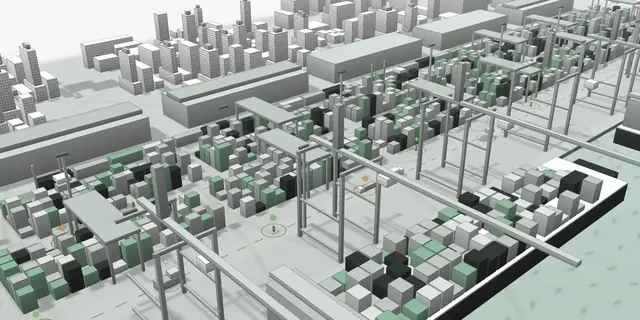
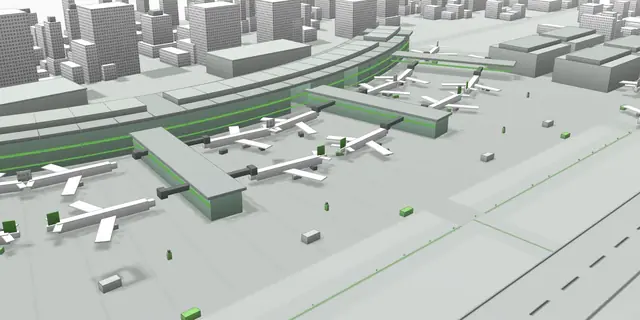
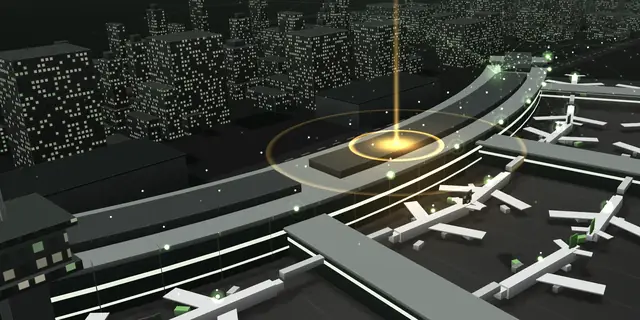
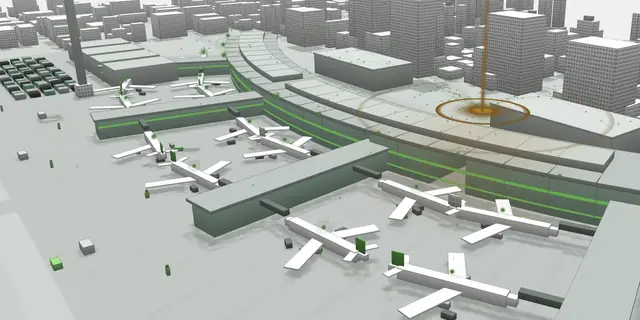
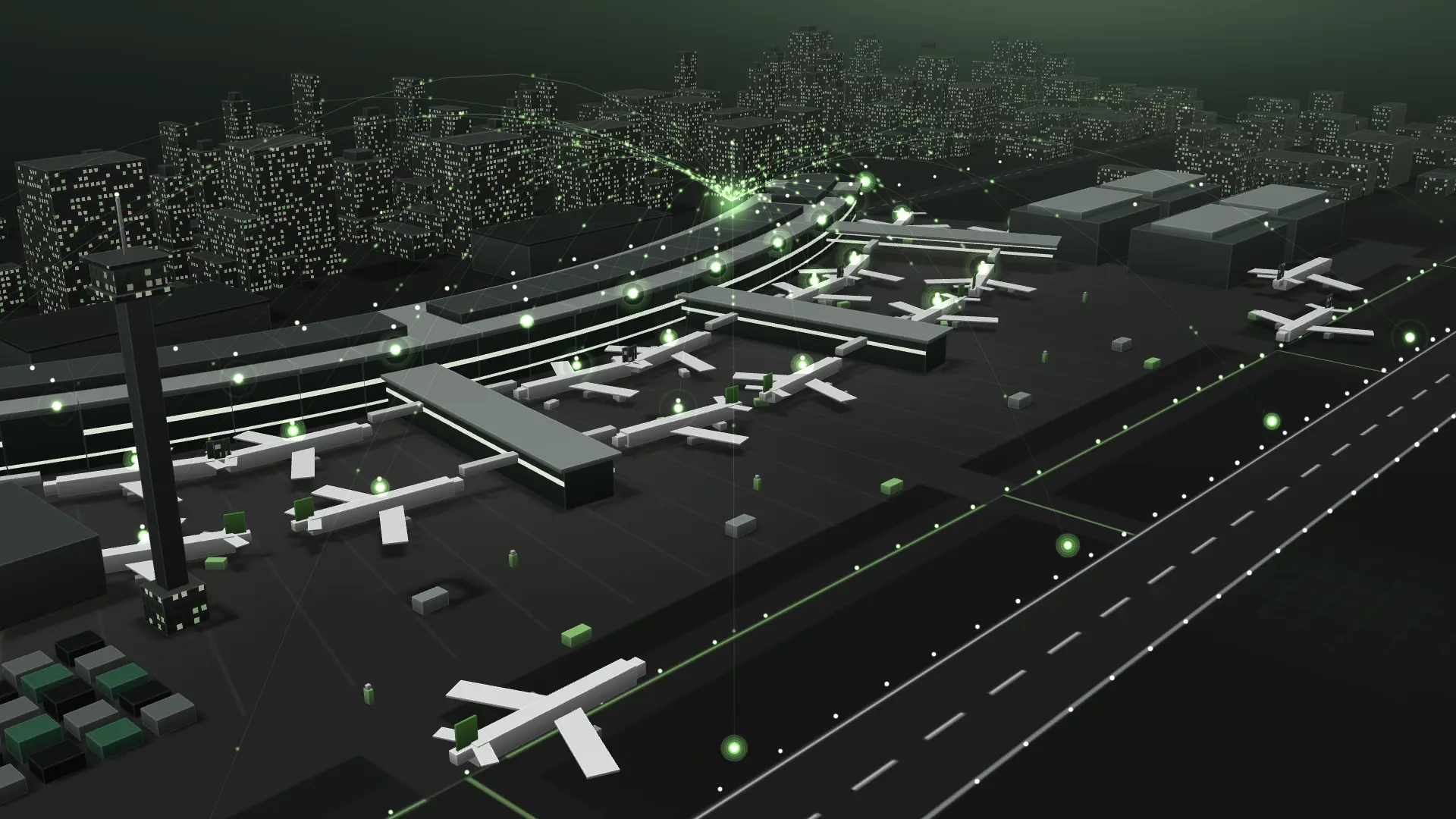
One live picture of the airport, from kerb to runway.

A digital twin and common operating picture for terminal, airside, baggage, security and engineering, with health monitoring for the air navigation systems behind them. All of it can run on your own infrastructure.

Drag to look around

Illustrative scene, not a customer site

What’s at stake

Where it hurts.

  1. 01

    Every system sees only its own part.

    Flights, stands, queues, bags, doors and plant each live in their own system, so the link between them is usually found by phone, after the delay has started.

  2. 02

    Operators drown in alarms.

    One jammed conveyor or failed transmitter can set off dozens of alarms across systems. Working out which one matters takes time a departure wave doesn’t give you.

  3. 03

    Maintenance and operations pull apart.

    Work is planned in one tool and felt in another, so a routine job can clash with a flight peak, a change or a lost standby path.

  4. 04

    Sensitive data has to stay on site.

    Security footage and operational data often can’t leave the airport’s own network, which rules out cloud-only AI.

How it fits together

From the sensor to the decision.

01

Sense

Read the physical world

  • People counting, video analytics and check-in data show density and queues, zone by zone
  • FODD finds objects as small as 2 inches, using AI, mmWave radar and thermal cameras
  • AeroTrack locates staff and ground equipment with 2 to 5 m precision
  • Optical cameras watch every boarding bridge

02

Understand

Turn it into a live picture

  • A BIM and GIS model joins terminal, stands, apron, baggage and airfield, with live data on top
  • Related alarms from different systems are grouped into one incident and ranked by operational impact
  • A semantic model gives every asset, sensor and space one name across systems
  • Kashi-ka answers operational questions in plain English, offline

03

Act

Warn or fix before failure

  • AI recommends actions with its evidence and confidence, and people make the decision
  • Workflows and checklists coordinate each incident across teams
  • JetScope alerts gate staff to bridge status in real time
  • AIOps gives early warning on the IT estate behind terminal and airside operations

One operating picture

Everything the duty manager needs, on one screen.

Flights, stands, queues, bags, security, plant and energy sit side by side. The same view scales up to a video wall and down to a tablet.

Common operating pictureDeparture waveIllustrative
FlightsOn planArrivals and departures
PunctualityOn targetAgainst the day’s schedule
TerminalBuildingDensity by zone
SecurityRisingQueue forecast ahead
BaggageJamA conveyor has stopped
Airport healthWatchScored across every area

Stands

  • A1
  • A2
  • A3
  • A4
  • A5
  • A6
  • B1
  • B2 !
  • B3
  • B4
  • B5
  • B6

On timePlannedDelay riskConflictFree

Linked alarms

  • CriticalConveyor jam, one make-up line stoppedBaggage
  • HighSecurity queue forecast to pass its limitPassenger flow
  • HighStand conflict, inbound flight allocated to an occupied standAirside

These affect the same departure wave, so they are grouped as one incident.

Recommended, for the operator to decideRe-route the bags to another line, open another security lane and move the inbound flight to a free stand.


An illustrative screen, to show the capability. It is not a customer site.

Across the airport

One platform, every operational domain.

Terminal and passengers

Density, queues and dwell time by zone, forecast ahead, with level of service and missed-connection risk.

Airside and turnaround

Stand and gate plans, turnaround milestones and surface movement, with conflicts flagged early and options ready.

Flights and timeline

Schedules, gate changes and delays on one timeline, lined up with every other system, so you can see what caused what.

Baggage

Live conveyor status, make-up allocation and reconciliation by flight, with early jam detection and re-routing options.

Security

Access control, perimeter zones, camera health and video analytics in one workspace. Fire alarms connect read-only.

Assets and maintenance

One register tied to the model, documents and work orders, with predicted remaining life and two-way CMMS sync.

Fault detection

Rules and machine learning find plant drifting out of line, explain the likely cause and rank issues by urgency and cost.

Energy and environment

Load against an adaptive baseline, chiller efficiency, power quality, indoor air and comfort, with ESG reporting.

How it works

From first alarm to full replay.

  1. Detect

    A conveyor stops during the morning departure wave. The alarm arrives with its location, nearest camera and asset record.

  2. Correlate

    The system links it to a growing security queue and a stand conflict, and groups all three into one incident.

  3. Recommend

    AI ranks the options: re-route the bags, open a lane, reassign the stand. Each one shows its evidence and confidence.

  4. Decide

    The duty manager accepts, changes or rejects each one. Decisions stay with people, and every one is logged.

  5. Coordinate

    A workflow assigns the tasks, runs the checklist and keeps airlines, handlers and security informed.

  6. Review

    Afterwards, replay the whole morning in sync: aircraft, passengers, bags, alarms and every action taken.

Air navigation systems

The systems behind the airspace, in one view.

The same approach, applied to air navigation services. Surveillance, communication, navigation, flight data, aeronautical information and weather systems are monitored across every site, for the people who keep them running around the clock.

  • SurveillanceRadar, ADS-B and multilateration
  • CommunicationVHF radio, voice switching and recording
  • NavigationILS, DVOR and DME
  • Flight dataFlight data processing and ATM platforms
  • AIS and METAeronautical information and weather sensors
  • FacilitiesPower, cooling and networks

Service health, not just device health

Each service’s status comes from the equipment behind it and your redundancy rules, which you can edit without code.

Impact on a map

When a radar fails, see straight away what coverage is lost and what other sources are still holding.

Site to component in a few clicks

Cascading views run from site to system to item, with live parameters and a view of the network topology.

Root cause first

Child alarms sit under their cause, flapping is filtered and false alerts are controlled, so operators see what matters.

Fault tickets from alarms

Tickets open automatically and follow a configurable workflow, with SLA timers and escalation through to root cause.

Maintenance without clashes

Year plans are imported and checked against changes and redundancy, so no job takes out a service and its backup.

A gate before any change

Multi-stage approval, then a separate start-work check. Operational bulletins are drafted automatically for review.

New equipment without code

Map its parameters, set its health rules and replay them offline before go-live. The platform monitors itself too.

Evidence for every review

Availability, MTBF and MTTR reports, a read-only wall view, and a searchable history of every state change.

Built to fit

It connects to what you already run.

Airport and engineering systems

  • AODB
  • A-CDM
  • Resource management
  • FIDS
  • Baggage handling
  • Baggage reconciliation
  • Common-use check-in
  • Building automation
  • Power monitoring
  • Video management
  • Access control
  • Public address
  • CMMS and EAM
  • BIM (IFC)
  • GIS

For the control room

  • Single sign-on, multi-factor login and role-based views
  • A full audit trail of access and changes
  • Dashboards you can build without code
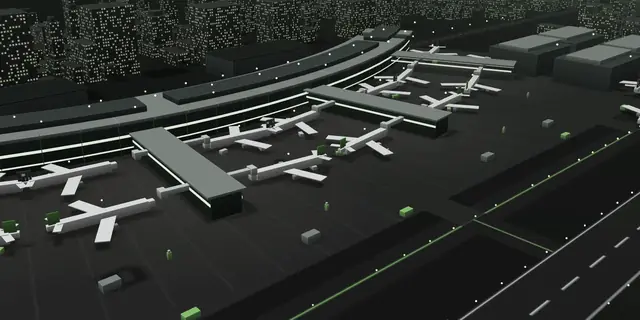
  • Light and dark themes, video wall and tablet views
  • Integration health and data quality on one screen
  • On-premise, private cloud or air-gapped

Where to begin

Where airports start.

  • The operations centreBring flights, stands, queues, bags and alarms into one common operating picture.
  • TurnaroundSpot stand conflicts early, and follow each turnaround milestone against its target.
  • Runway safetyDetect debris with fewer false alarms and fewer interruptions to the runway.
  • BaggageSee every conveyor and every flight’s bags, and catch a jam before it reaches the make-up belts.
  • MaintenancePredict failures on escalators, bridges and conveyors, and book the work into quiet windows.
  • Air navigation systemsPut every surveillance, communication and navigation system behind one status view.

Digital twin

Test it before you touch it.

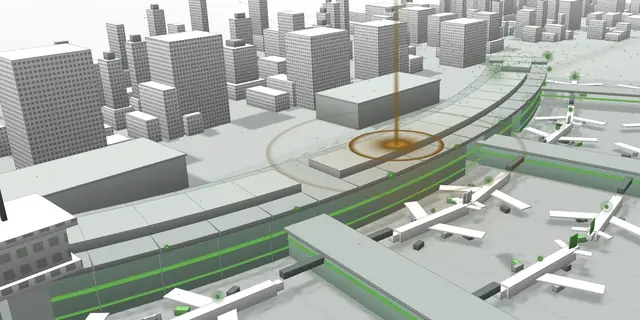
One live model of terminal, stands, apron, baggage and airfield, built from BIM and GIS and kept current by the systems airport teams already rely on.

Explore the twin
  • Simulate a flight delay, lane closure or equipment failure, and compare the ways to respond
  • Replay any incident with aircraft, passengers, bags and alarms in sync
  • Open any object in the 3D model for its live status, documents and history

Start with the problem that costs you most.

One operations room, one baggage hall or one set of navigation systems. Tell us where it hurts, and we’ll scope a focused first deployment.